Fluffy Games on a Phone: Portrait and Landscape Compared
Fluffy games on a phone
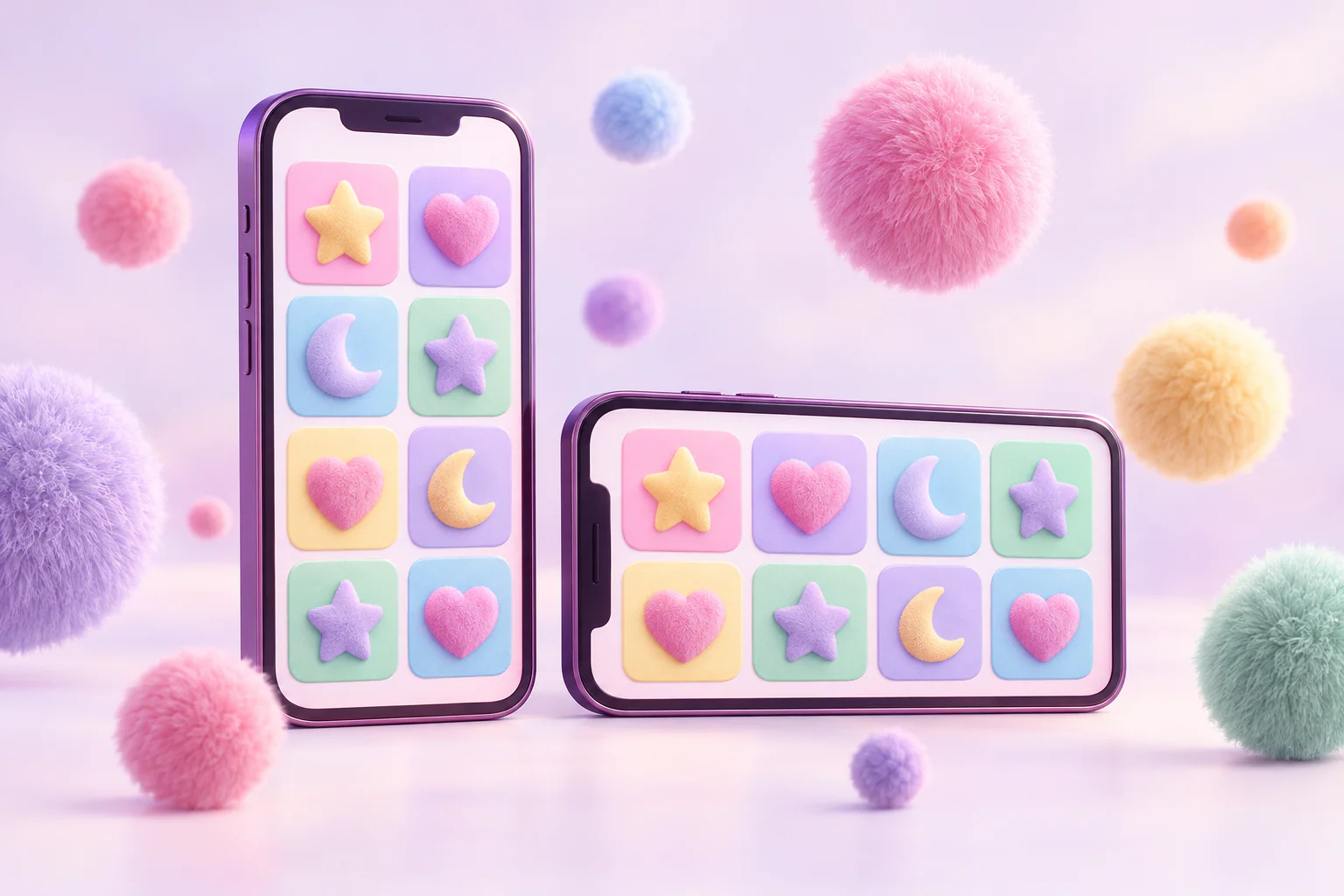
Eyecon lists Desktop, Mini and Mobile as platforms on its pages for the Fluffy games, so the series is designed to be played on phones as well as computers. A phone screen changes how a slot is laid out, and holding it upright or sideways changes it again. This guide compares the two orientations for Fluffy-style games and explains what to check in each. Exact layouts depend on the version and the device, so we describe what to look for rather than promising where each button will be.
Portrait and landscape at a glance
| Portrait (upright) | Landscape (sideways) | |
|---|---|---|
| Reel size | Smaller, as the reels must fit the narrow width | Larger, closer to the desktop layout |
| Controls | Often stacked below the reels | Often beside the reels |
| One-handed use | Easier | Usually needs two hands |
| Reading symbols | Harder on small screens | Easier |
| Pick bonus screens | Items may be smaller | Items usually have more room |
These are general tendencies of mobile slot layouts, not measurements of a specific Fluffy version.
What the Fluffy frame means for a small screen
The classic Fluffy games use five reels and three rows. That shape is wider than it is tall, which suits landscape: the reels can fill the screen. In portrait, the same five reels must squeeze into the narrow width, so each symbol gets smaller. Fluffy Favourites Megaways is different again, with a 6x6 grid listed by Eyecon; a square grid fits portrait more comfortably than a wide one, though its six reels still divide a narrow screen into small columns.
Portrait: convenient but compact
Portrait is how most people hold a phone, and it frees one hand. The cost is space. In a five-reel game, the scatter symbols that matter most, such as the Claws in Fluffy Favourites or the Big Tops in the Fairground, are smaller and easier to miss. The paytable and rules usually open on top of the game, so you may need to scroll.
Landscape: closer to the full game
Turning the phone sideways usually gives the reels the most room and puts the game closest to the desktop view. Symbols are easier to read, and pick bonus screens, with their rows of items to choose from, have more space. The trade-off is that you will normally need both hands.
What to check whichever way you hold it
- The stake and balance stay visible and readable.
- The paytable and rules open, can be read in full and close again.
- The feature symbols are recognisable at the size shown.
- Pick bonus screens show every item without anything cut off at the edges.
- Nothing important is hidden behind a notch, rounded corners or the browser's own bars.
If any of these fail in one orientation, try the other. The demo controls guide lists what each control does, and reading Fluffy game screens on a small display covers the details of a small screen.
Trying both with a demo
Eyecon's demos are for demonstration only, with no winnings payable, which makes them a good place to compare orientations without any pressure. Open the same game in portrait and landscape and see which makes the features easier to follow. For what demos can and cannot tell you, see what a Fluffy demo can and cannot show.
Conclusion
Fluffy games are listed for mobile, and the five-by-three frame of the classic titles generally reads best in landscape, while portrait is more convenient but more compact. Check that the stake, rules, feature symbols and pick screens are all readable in the orientation you choose. More guides are under Mobile Gaming.
More in Mobile Gaming · Report a correction
Related reading
Reading Fluffy Game Screens on a Small Display
How to find the paytable, rules, stake and feature symbols of a Fluffy game on a phone, where icons replace labels and menus hide key details.